Compare
Freelancer or agency, for a first app?
Pick WordPress if you need fast publishing, low cost and no coding. Pick Next.js for custom features, speed and scalability. For a small business in India, WordPress costs ₹8,000–₹1.5 lakh to build and ₹10,000–₹1.8 lakh per year to run. The annual running cost for a Next.js site is not published.
I build both WordPress and Next.js sites, so I benefit from either choice. This comparison is based on market data and common project profiles.
The full explanation
What is Next.js and what is WordPress?
Next.js is a React framework for building full-stack web applications. It lets developers create fast, custom websites and apps with both frontend and backend logic. It was created by Vercel in 2016. You use it when you need unique features, high performance, or API integration.
WordPress is a content management system (CMS). Millions use it to publish websites and blogs without coding. It is a big project with thousands of contributors. You install themes and plugins to change how it looks and works. A theme shapes your site’s speed, SEO, and user experience.
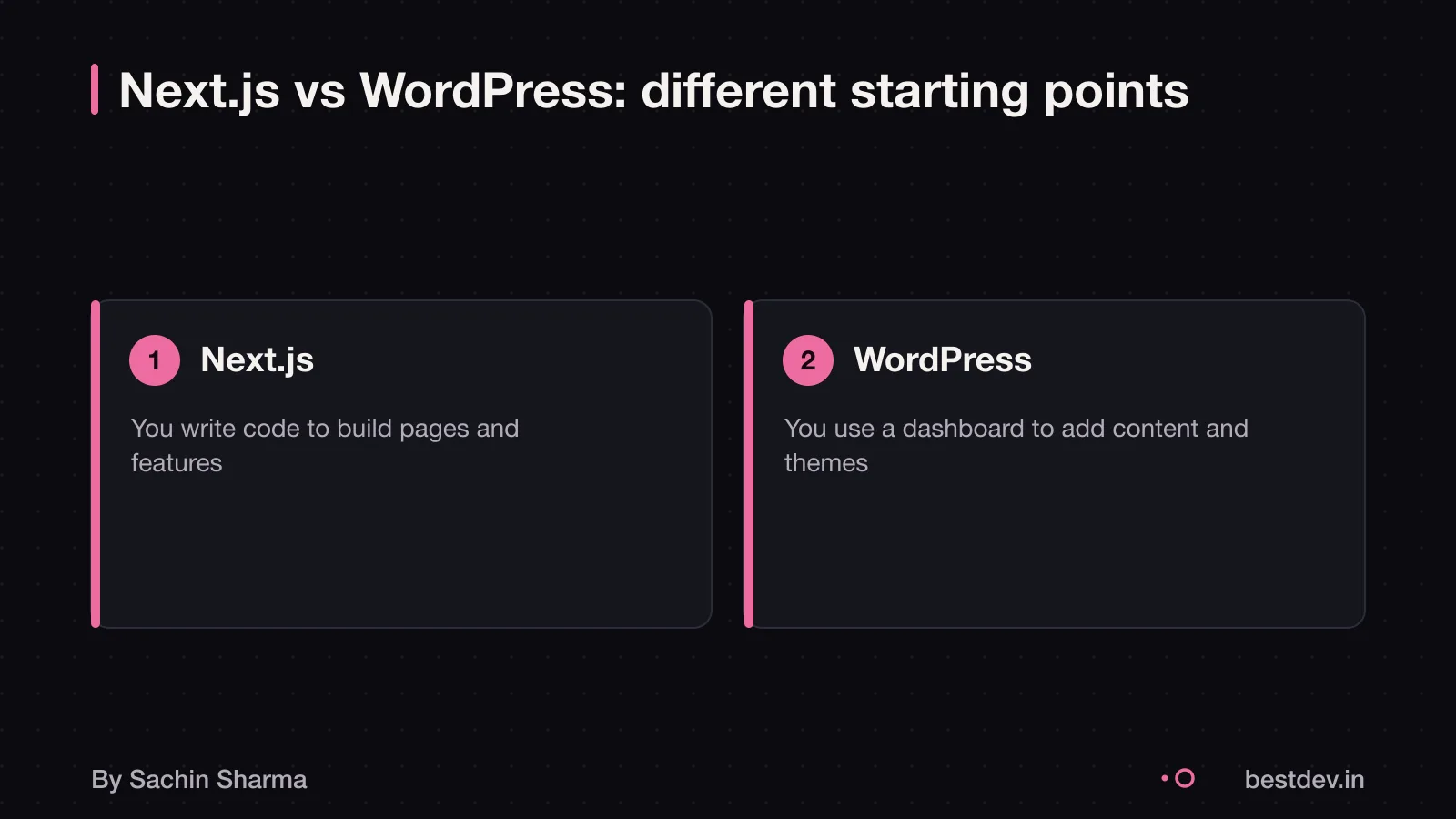
The core difference is this: Next.js is a framework. It is a tool for developers to build custom apps from scratch. WordPress is a CMS. It is a ready-made system for managing and publishing content. If you want full control and scalability, go with a framework. If you want to publish fast with no coding, a CMS like WordPress fits better.
To understand how Next.js connects to data sources, read What an API is, in plain words.
Is Next.js the same as React?
No, Next.js is not the same as React. Next.js builds on top of React, which means React is the core library for building user interfaces. You use React components to create the look and feel of your site. Next.js adds features like server-side rendering, routing and automatic configuration of tools like bundlers and compilers. This lets you focus on building rather than setup. React Server Components are the default rendering model in serious Next.js applications such as Next.js 15+. So, knowing React well is key before using Next.js.
When is WordPress not enough for a business?
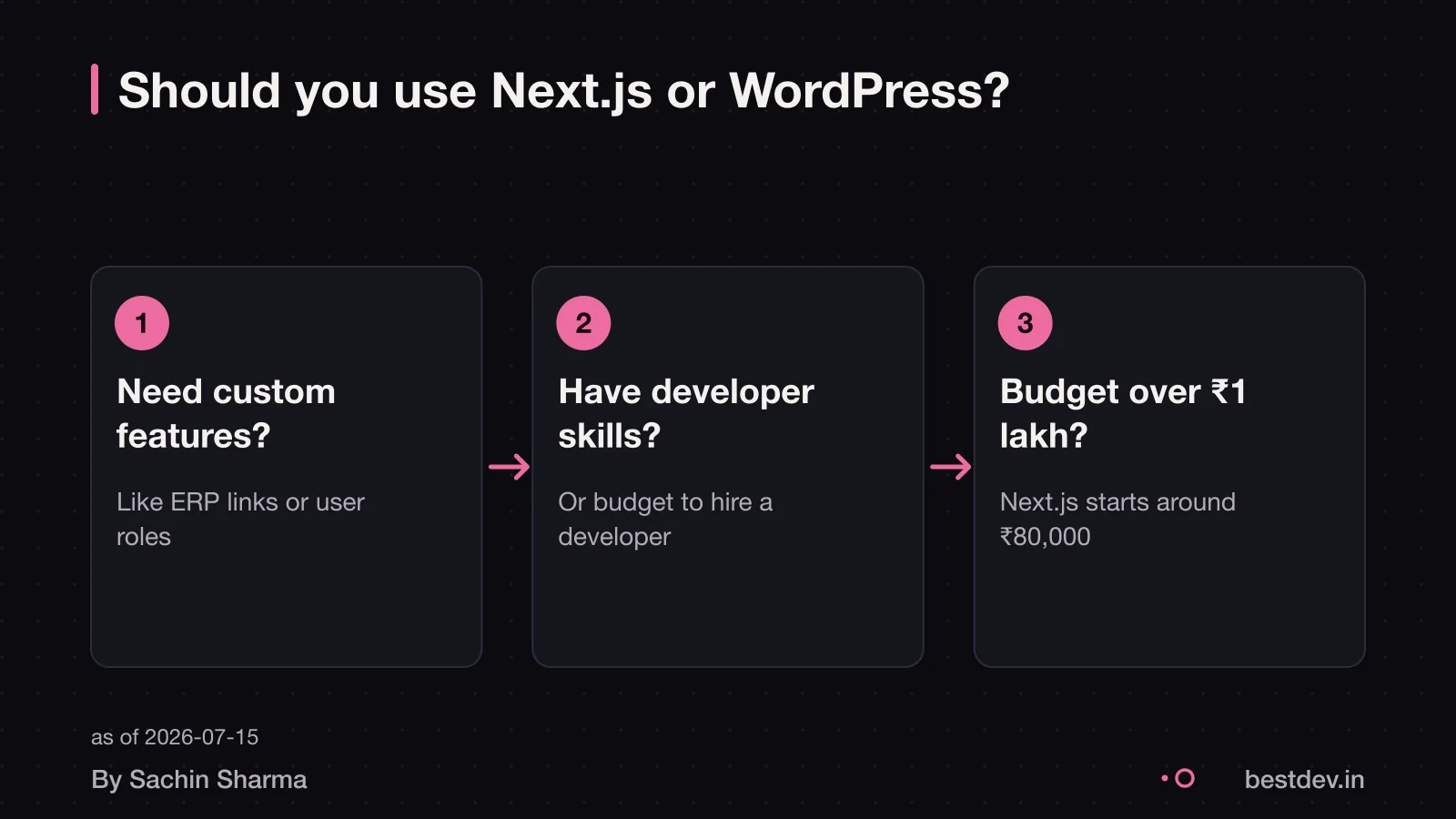
WordPress works for many businesses, but it may not meet all needs as your business grows. As your team adds more content and features, you may face limits. For example, if you run multiple brands, a generic CMS may not handle them well without extra tools. As they were not built to manage multiple storefronts natively. Linking your website to an ERP system for live inventory or order tracking may go beyond what a generic CMS can handle natively.
Multilingual content across regions can be hard to manage. Generic CMS platforms like WordPress may need extra tools for this job. These plugins can slow your site and break updates. Approval workflows for content are not built into WordPress. If your team needs multiple people to review a post before it goes live, you may need extra tools.
The clearest sign you have outgrown WordPress is when teams experience friction that should not exist. Plugins can fix some issues, but each one adds risk and makes future changes harder. When your business relies on speed, accuracy and smooth workflows, WordPress may hold you back.
Build or buy a quick commerce app? to see when off-the-shelf tools stop working and custom builds become worth it.
How much does it cost to build a site in each?
A Next.js business site typically starts at ₹80,000 and can go up to ₹2.5 lakh, as you are paying for engineering. The final cost depends on your design, features and third-party tools. A simple blog with a contact form and brand colours costs less. Adding user accounts, payment gateways or custom dashboards raises the price.
Design complexity affects both platforms. A custom layout with animations or micro-interactions takes more time than a template-based look. On WordPress, you may use themes like Astra or Kadence to cut costs. On Next.js, every pixel is coded. So changes take effort.
Features drive cost more than design. WordPress has plugins for forms, SEO and e-commerce. These lower development time. Next.js builds these from scratch. Each feature adds engineering hours. For example, a booking system with calendar sync takes 40 to 60 hours on Next.js. Adding email alerts adds more time. On WordPress, a plugin can add these in minutes.
Integrations also raise costs. Connecting to Zoho, WhatsApp or a custom CRM requires secure APIs. Next.js handles these natively but needs more testing. WordPress uses plugins like WP Webhooks or FluentCRM. These are faster to set up.
As an estimate, a five-page WordPress site with a blog, contact form and Google Maps costs ₹8,000 to ₹25,000. Complex features like user logins, dashboards or real-time updates push both higher.
You can control costs by limiting scope. Start with core pages and add features later. Use free or low-cost tools where possible. Avoid over-customising the design early on.
How app and website costs are built in India explains how Indian developers price projects and what to watch for in quotes.
What does it cost per year to run each site?
For a WordPress site, annual running costs can be as low as ₹0 for simple setups with a free theme, minimal plugins. No custom code, and low traffic, while maintenance alone can range from $30 to $5,000+ per month. As of 2026, a personal blog may cost $20 to $75 per month. Small business sites with managed hosting and maintenance run $50 to $200 monthly. This includes updates, security, backups and monitoring. Managed WordPress hosting, which bundles staging and daily backups, costs $30 to $300 a month. Or ₹2.5 to ₹25 lakh yearly.
Unlike WordPress, Next.js applications are custom-built. They are hosted on scalable cloud platforms like Vercel or AWS. So costs depend on traffic, server load and feature complexity. You may need to budget separately for hosting, domain, SSL, monitoring and developer support. Since no standard package exists, ongoing costs are harder to predict without a detailed tech plan.
How to plan for ongoing website costs to avoid surprises. This helps you account for updates, security and content changes over time.
How long does it take to build with each?
A WordPress site takes 3 weeks to 3 months. The time depends on your site's size and how many custom features you need. Enterprise-level Next.js projects with multiple integrations and custom workflows can take 3 to 6+ months and cost ₹50 lakh to ₹1 crore or more. Even small delays add up. This happens if feedback comes from a large team or if content is not ready on time. For WordPress, the main slowdown is waiting for text and images from you or your team. Pages cannot be finalised without content. Projects move faster when one or two people give clear feedback instead of many stakeholders. On both platforms, unindexed database queries can slow down page loading by 200 to 800ms per request. This affects not just speed but also development time when fixing performance.
As an estimate, assuming a simple brochure site, a WordPress site could go live in under 6 weeks if content is ready.
Which one is better for SEO and speed?
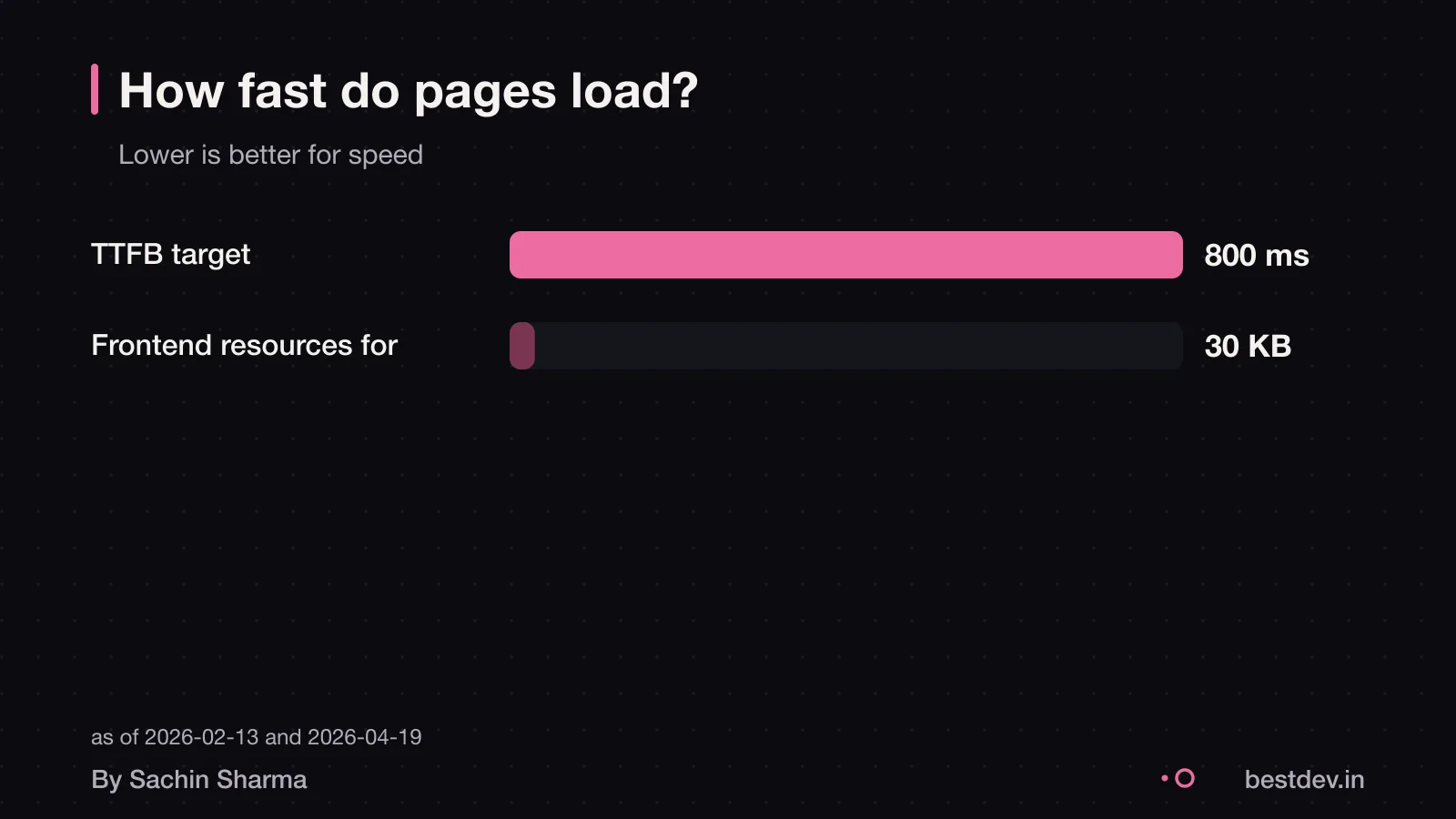
Next.js supports server-side rendering, which delivers fully rendered HTML to crawlers and can improve SEO. It uses server-side rendering (SSR), which sends fully rendered HTML to browsers and crawlers in the initial response. Fast page loads can improve your site's performance. Google's target for time to first byte is under 800ms, with under 200ms linked to the best LCP outcomes. With SSR, your content is visible right away. This improves crawlability and user experience.
They target a 90%+ cache hit rate using Vercel’s global CDN for public-facing pages. Most visitors get instant responses.
WordPress can be fast too. But only with careful setup. Lightweight themes like GeneratePress use under 30KB of frontend code. This helps achieve PageSpeed scores above 95. The Neve theme loads in under 1 second on mobile. This works well on Indian 4G networks. But these results depend on good hosting, caching plugins, and clean code.
So while Next.js builds speed and SEO into the framework, WordPress needs extra tools and effort to match it. If speed and search ranking are critical, Next.js has the edge. But a well-built WordPress site with a fast theme can still perform well.
Which one is easier to update with new content?
WordPress is easier to update if you are not technical. Its interface lets you manage content and add new pages without code, as a user-friendly system for non-technical users.
If you want to update content yourself, WordPress may be simpler because it has a user-friendly interface for non-technical users.
What are the risks of each platform?
As of mid-2025, over 6,700 new WordPress vulnerabilities were reported in six months, with 41% exploitable in real-world attacks. Ninety-six percent of WordPress professionals have encountered at least one security incident, and 64% have dealt with a full breach. Only 27% have a recovery plan in place. Each plugin adds complexity and another point of failure. You must update themes and plugins regularly, or risk being hacked.
Next.js reduces these risks by design. There is no public wp-admin login to brute-force. Since it is built from scratch, there are fewer default attack points. You control the codebase, so there are no hidden backdoors from third-party plugins. However, you still need secure authentication, data handling and server configuration.
If your site handles user data, consult a legal professional to follow India’s DPDP Act rules How to handle user data legally in India.
When should you not use each platform?
Do not use a generic CMS if your business needs multiple brands, ERP integration, or multi-step approval workflows. These needs go beyond what a generic CMS handles natively. Plugins can help, but each adds a dependency and a point of failure.
Do not use Next.js if you only need a simple blog or brochure site. It is overkill for basic content publishing and will cost more in time and money. A small bakery showcasing its menu does not need a full custom app. In such cases, a simpler tool saves effort. When a developer beats an AI builder explains when lightweight options win.
Questions people ask
Which one is cheaper to run over three years?
As an estimate, a Next.js site may have higher build cost but lower firefighting over three years. While WordPress has lower initial cost but higher long-term maintenance risks. Indian running cost data is not available. For a realistic estimate, factor in hosting, security, content updates and potential fixes.
When does the other option win?
Next.js wins when you need speed, custom features or scalability. Off-the-shelf solutions like WordPress may struggle with custom business workflows or integrations. Next.js avoids a public wp-admin, which removes one common brute-force target.
Can I switch later?
Yes, you can migrate from WordPress to Next.js, but it requires manual database changes and carries risk. You must back up your data first, as SQL changes are permanent.
Can I use both together?
Yes, you can use WordPress for your blog and Next.js for your app frontend. This gives marketing teams a familiar editor while delivering a fast interface to users. The blog runs on WordPress, while product features use Next.js. Connect them via API.
Do I need to know to code to use either?
No, you do not need to code for WordPress. Its interface lets non-technical users manage content easily. For Next.js, you need coding knowledge or must hire a developer, as it assumes familiarity with HTML, CSS, JavaScript and React.
Is React.js better than WordPress for a business website?
React.js is a library, not a full CMS like WordPress. Next.js is a React framework for building full-stack web applications. WordPress is better for standard sites with less custom code. For a sales-driven site, Next.js is a fit choice.
Which one is better for a SaaS product?
Next.js is better for SaaS products because speed and custom features drive conversion. If leads and speed matter, Next.js is the better default in 2026.
Assumptions behind the numbers
- Indian developer rates and hosting costs
- Mid-tier developer skill level
- Standard shared hosting plan
- Yearly running cost for WordPress includes maintenance and hosting
- Next.js running cost is not published due to variability in infrastructure choices
Pick your situation
Which one is yours?
WordPress wins. WordPress themes let you go live in days, not weeks. Builders like Elementor cut out coding delays.
Side by side
The whole comparison
| WordPress | Next.js | |
|---|---|---|
| Best for | Publishing, blogs, small shops | Apps, dashboards, custom logic |
| Build cost | ₹8,000–₹1.5 lakh | ₹80,000–₹2.5 lakh |
| Time to build | 3 weeks to 3 months | 6 weeks to 4 months |
| Yearly running cost | ₹10,000–₹1.8 lakh (estimate) | Not published |
| Speed and SEO | Depends on theme and plugins | Built-in SSR and SSG help SEO |
| Risk of downtime | High with many plugins | Lower with fewer dependencies |
| Updates needed | Monthly (core, plugins, themes) | As codebase grows |
Whichever you choose
Ask these four questions
- Can I switch later if I start on WordPress?
- Will my content move if I change platforms?
- Do I need a developer for daily changes in Next.js?
- What happens if a plugin I use stops being supported?
Keep going